v1.4.0Released Sep 17, 2026
Download Ship Studio
Free, open source, and runs on your machine. Build with the agent you already pay for, push to GitHub, and deploy - all in one window.
.dmgv1.4.0Universal45 MBApple Silicon & Intel
- Free & open source
- Updates itself
- Bring your own agent
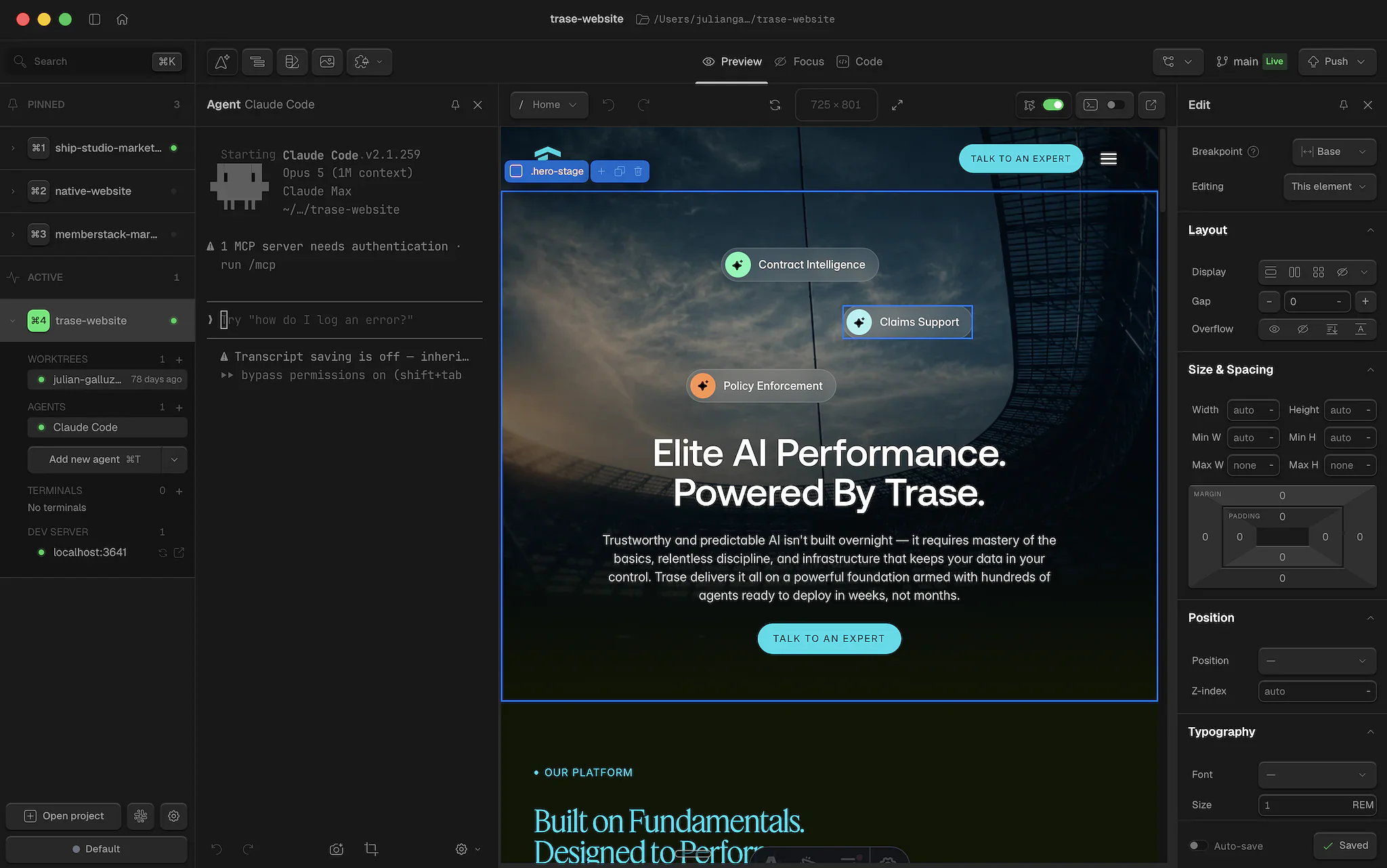
On a Mac, it's three steps
A couple of minutes from download to your first build. No account to create first, no terminal to live in afterwards.
- 01
Download the app
One file for every Mac. Open the .dmg and drag Ship Studio into your Applications folder.
- 02
Open it
Launch Ship Studio from Applications. It checks for updates itself from here on, so this is the last download you'll do by hand.
- 03
Connect your tools
Ship Studio walks you through connecting your agent, GitHub and your hosting provider. Then you're building.
Stuck? 800+ builders have been there.
The Ship Studio Slack is where install questions get answered in minutes, usually by someone who hit the same thing last week. Paste your error, get unstuck.
Join the community“The overall experience of this app is phenomenal. Even the onboarding is so refreshingly simple.”
Romin MirmotahariShip Studio Slack
“i love how easy it is in shipstudio to start a project, like you are up and running in minutes.”
LouUrban Pixel
Installation questions
There's only one. The .dmg is universal, so it runs natively on Apple Silicon (M1–M5) and Intel Macs alike. Download it, open it, drag Ship Studio into Applications, and launch it from there.
Open the “Download not working?” link under the download button and use the terminal command instead. It fetches the same app straight from GitHub, detects your chip, and launches it. If macOS blocks the app from opening, the command route usually gets past that too.
Windows support is still in early access, and the command lets us ship fixes quickly while we finish the one-click installer. It does exactly what an installer would: download the latest build, install it, and open the app. A regular .exe is coming soon - we'll announce it in Slack.
Yes. The command downloads the Ship Studio installer and runs it - nothing is hidden. You can open the script in your browser and read it before running, and the source is public on GitHub. If anything looks off, ask in the Slack first.
macOS on both Apple Silicon (M1–M5) and Intel, plus Windows 10 or later (64-bit). Windows is still in early access, so expect a few rough edges - tell us in Slack if you hit one.
No. On a Mac there's no terminal at all. On Windows the command is the only terminal step. After that Ship Studio is a normal app - you describe what you want in plain English and it builds it.
Just a few minutes. Ship Studio walks you through connecting your AI coding agent (from around $20/mo), a free GitHub account to store your code, and your hosting provider to put sites online. You can set those up as you go.
Copy the error message and drop it in the Slack - someone has almost certainly seen it before. The community is the fastest way to get unstuck, and it's how we catch install bugs early.
While you're here: browse templates or see the showcase.
 Built with Ship Studio